Build with AI,
enhance with no-code.
Describe the app you need in plain words. Your AI plans it, ELWIS builds it within your permissions, after your Confirm.
Describe it. ELWIS builds it.
Five steps from a sentence to a working app. Step three is always yours.
You describe
Say what the app should do: in a chat, from your terminal, or out loud.
AI plans
Claude or OpenAI drafts the data model, pages and menu, on your own key.
You confirm
Each phase arrives as a card. Nothing runs until you click Confirm.
ELWIS builds
ELWIS tools make every change, inside your roles and permissions.
App is live
Sample data in, menu ready, first screen open. Ready to demo.
The model only plans. ELWIS tools make every change, with your permissions, after your Confirm.
Builds the app.
Works the data.
Your AI talks to ELWIS through two MCP servers. Builder MCP shapes the application; Data MCP works inside it. Both run within your permissions.
Builder MCP
Shapes the application.
Data MCP
Works inside it.
Three phases. Three Confirms.
Builder MCP works in phases. Each phase arrives as a card, and nothing is built until you Confirm it.
Menu
Not a mock-up. A working app.
Builder MCP creates real ELWIS objects. Colours, icons and links included, without one click in a setup screen.
Data model
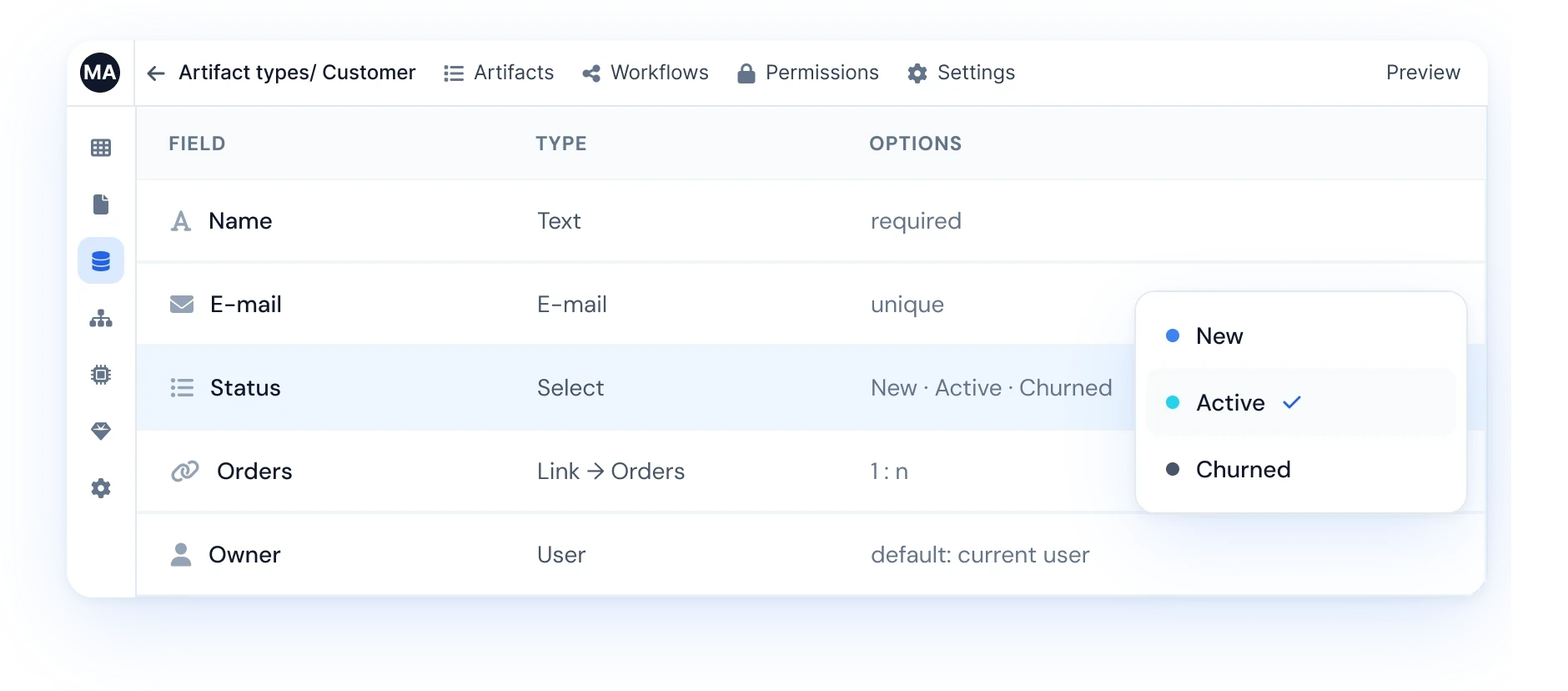
Record types, fields and links, from one sentence. Validation and select options included.



Pages & dashboards
Tables with filters, detail pages with forms, dashboards with real widgets.


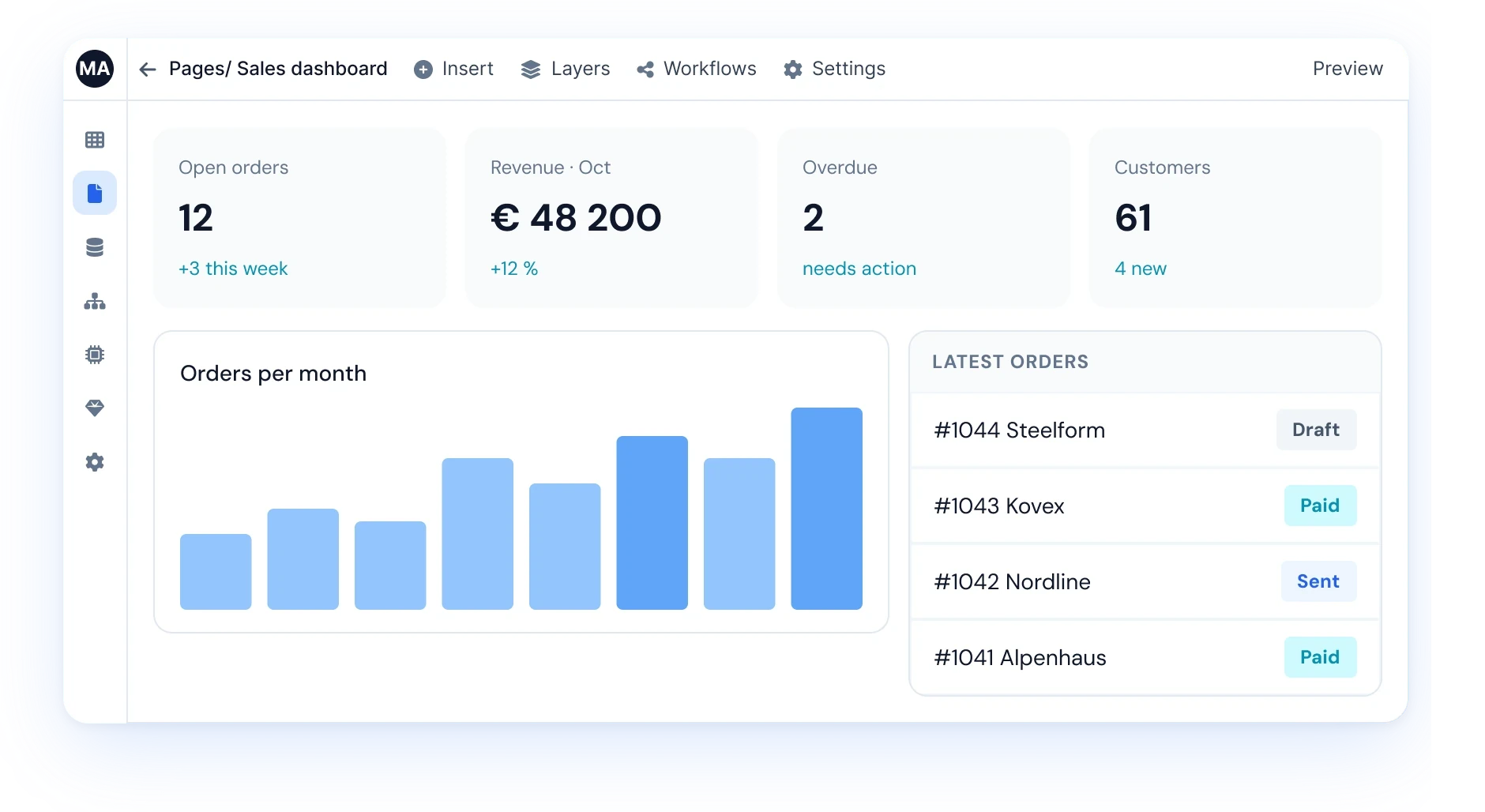
Menus & branded pages
A navigation that makes sense, with your logo and colours on the public page.


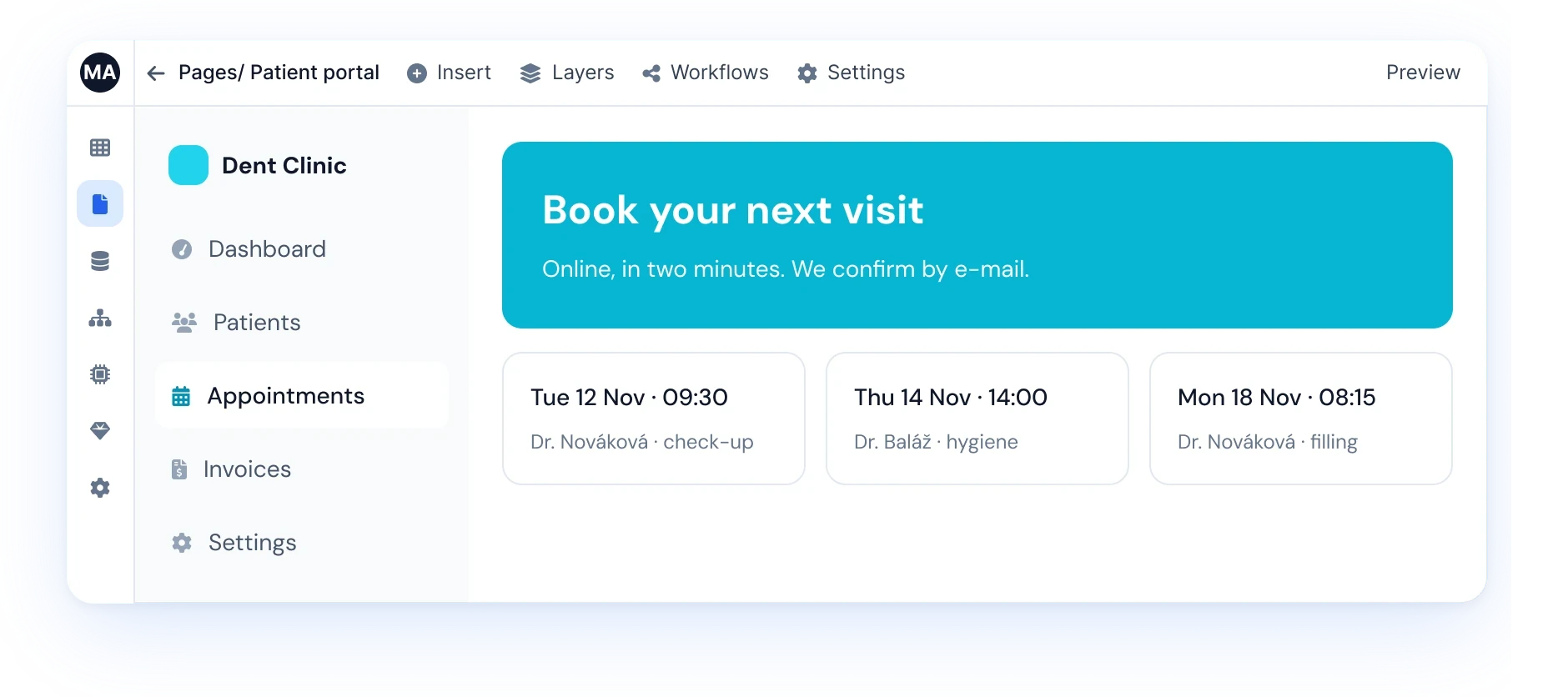
Sample data & repairs
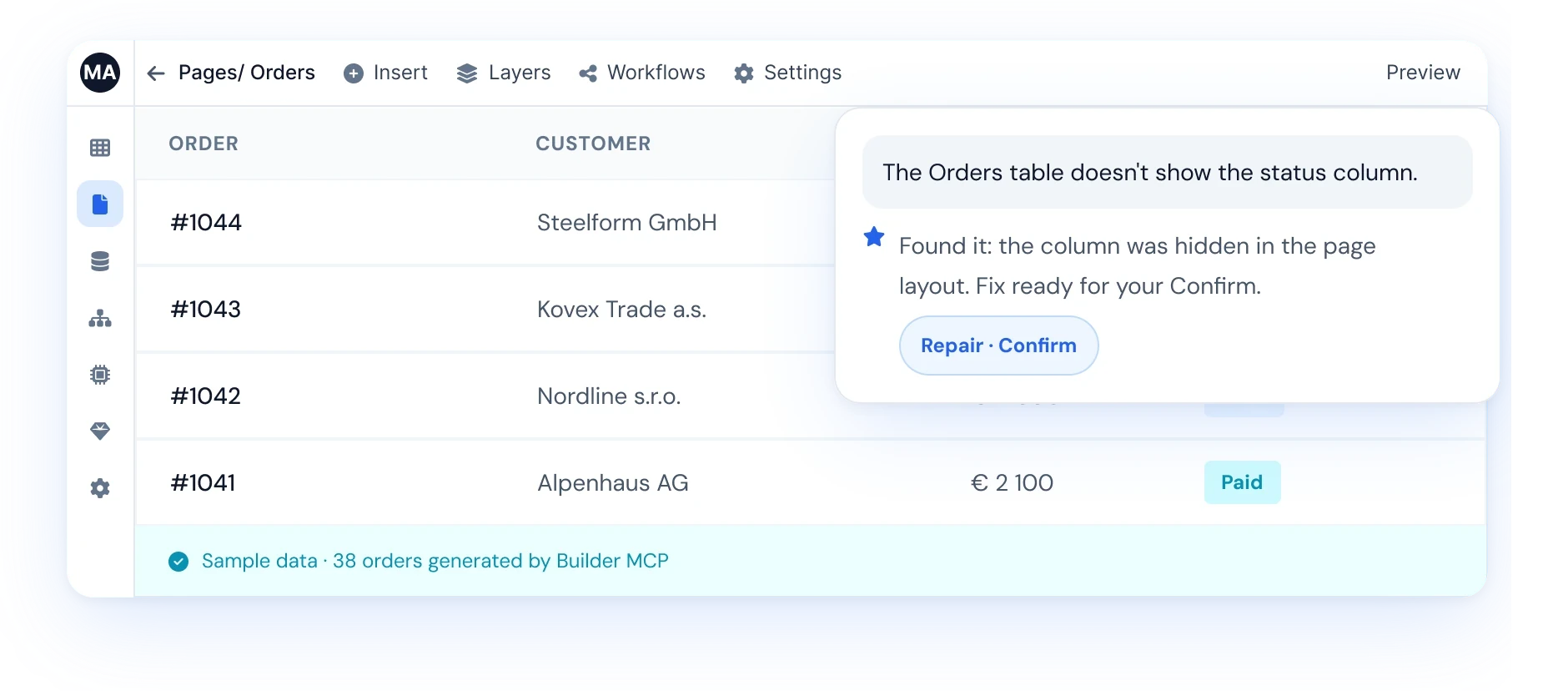
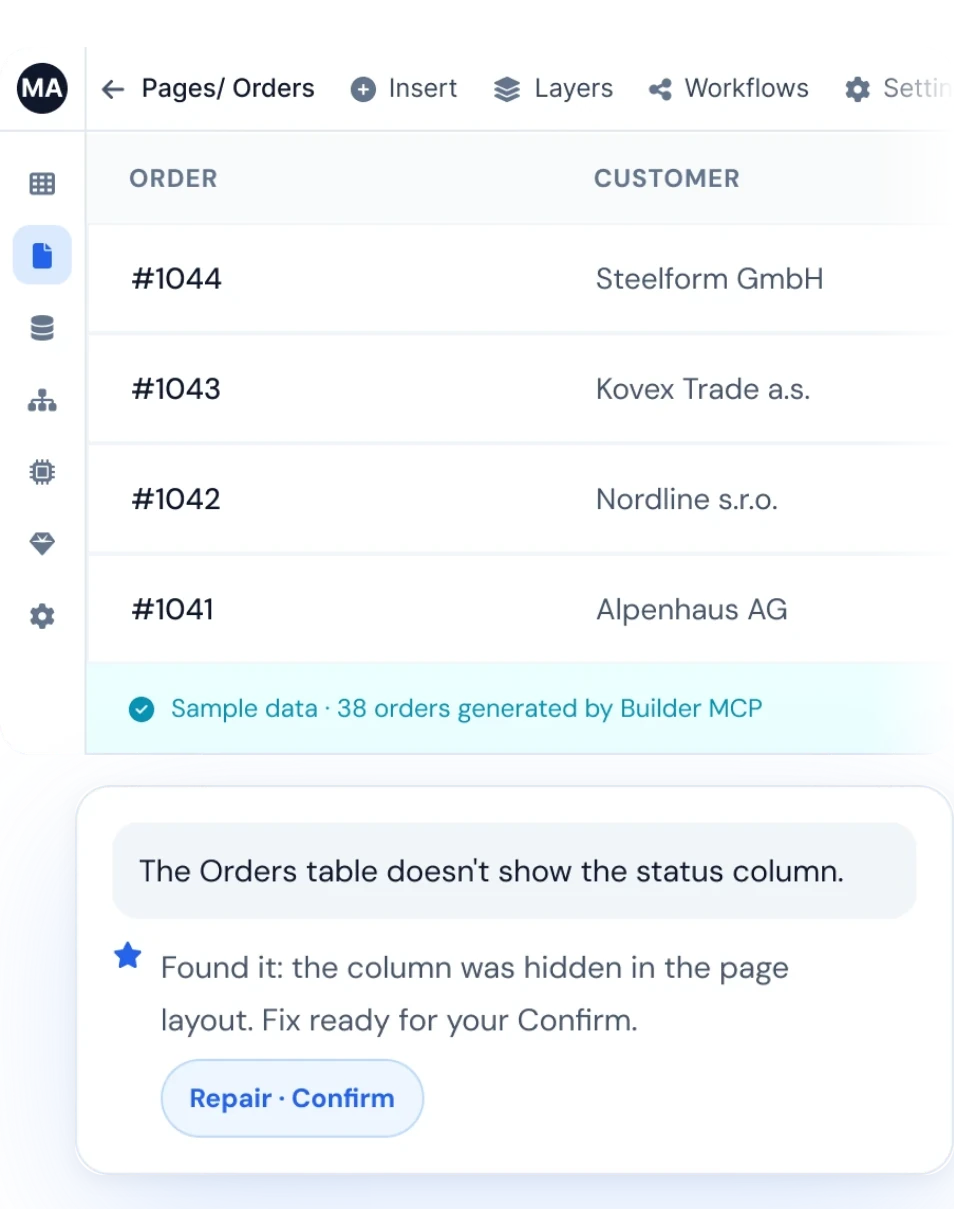
Demo data to click through right away, and fixes when something is off.

AI inside your
processes.
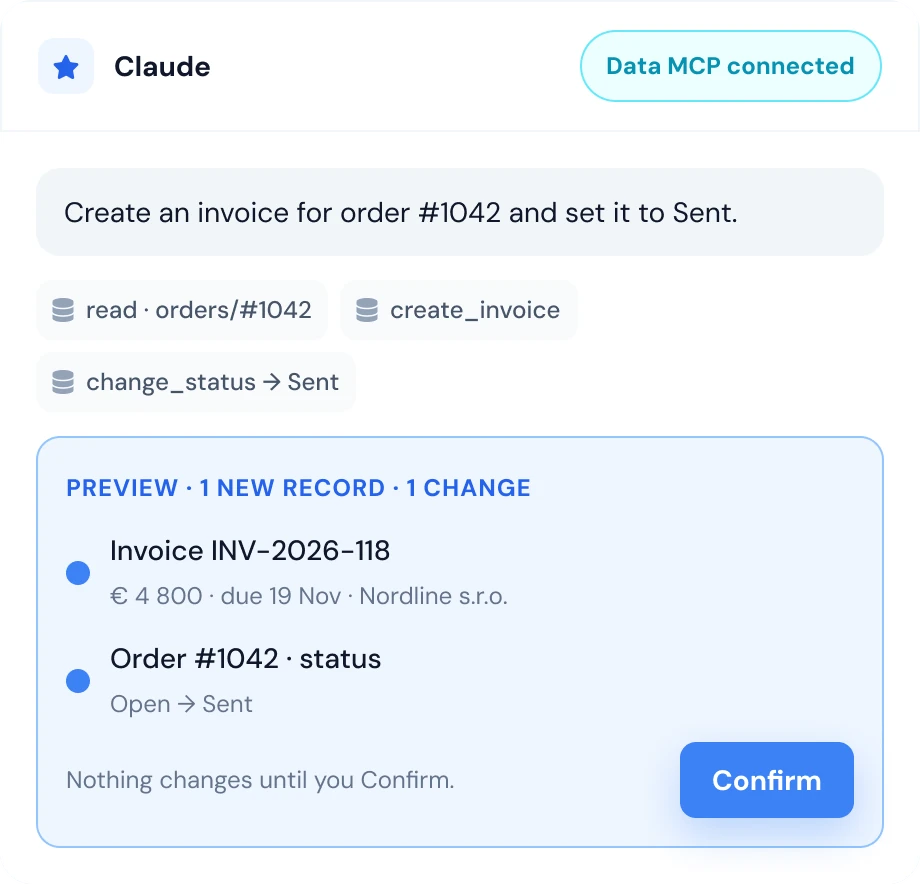
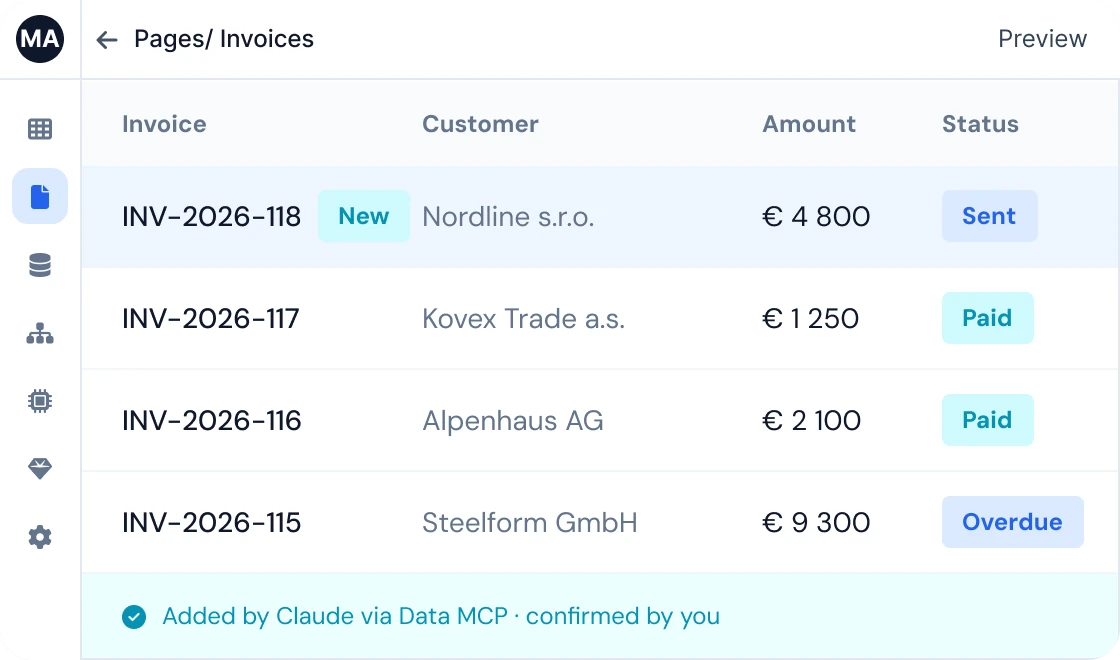
Any assistant your team already uses can work with your records: read, add, edit. A work item, an invoice, a status change, an import. Within your permissions, after your Confirm.
The assistant sees and changes only what you may.
Ask once. Watch it appear.
Pick the way that fits your team. Same two MCPs, same permissions, same Confirm.
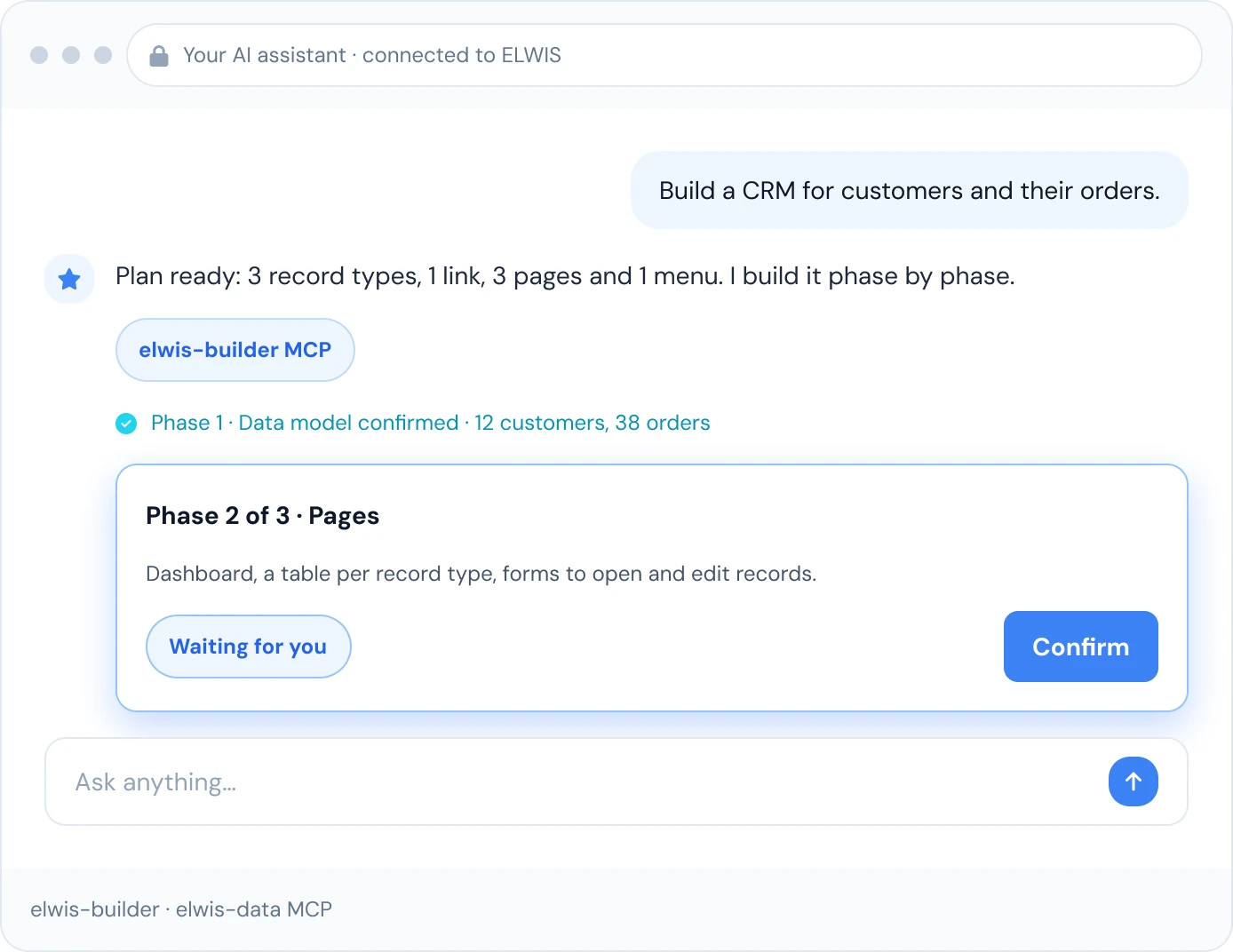
Build a CRM for customers and their orders.
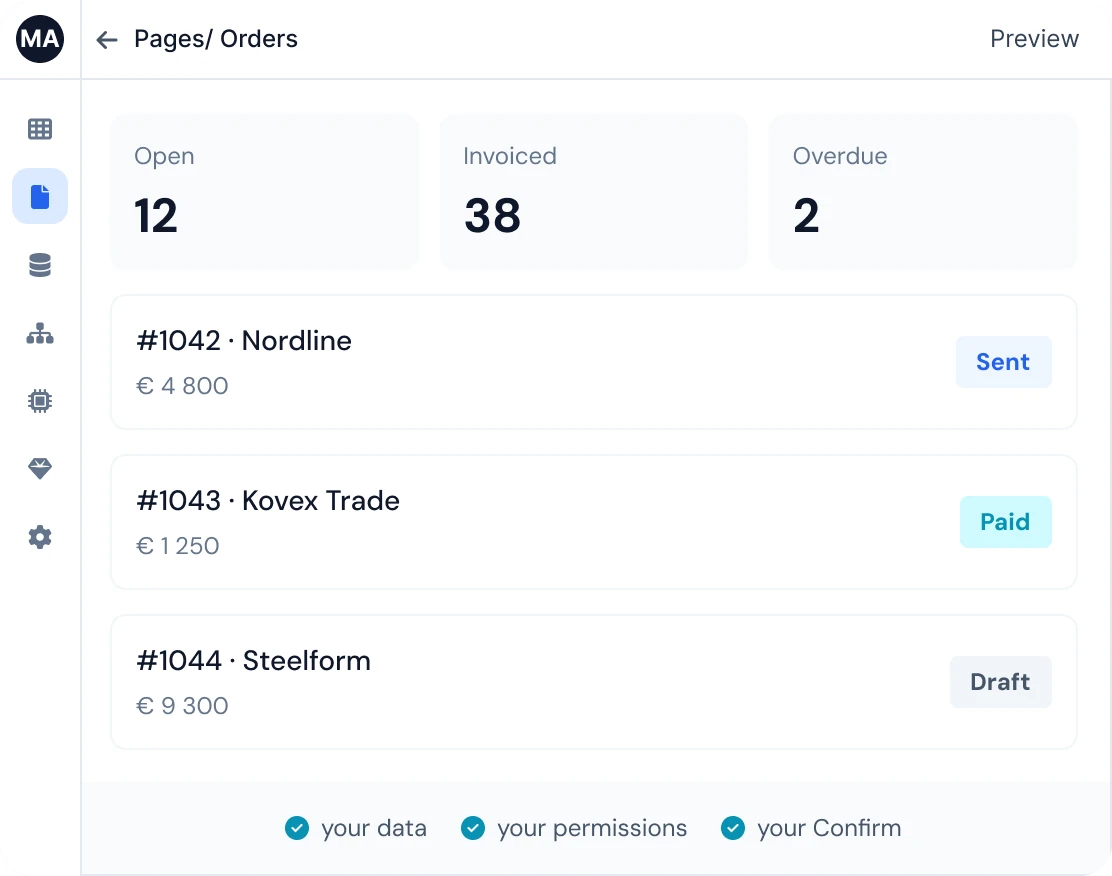
Plan ready: 3 record types, 1 link, 3 pages and 1 menu. I build it phase by phase.
Phase 1 · Data model confirmed · 12 customers, 38 orders
Phase 2 of 3 · Pages
Dashboard, a table per record type, forms to open and edit records.
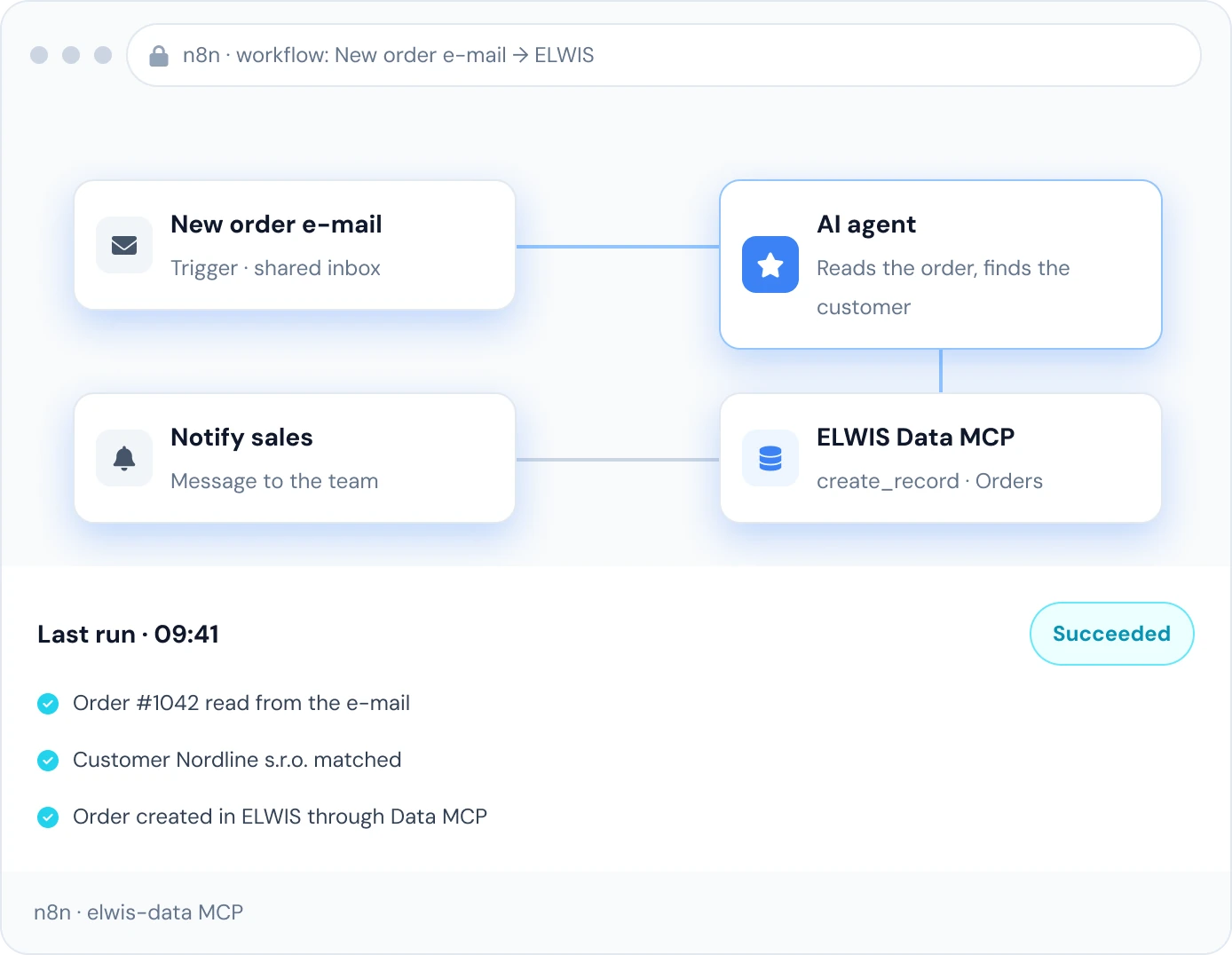
New order e-mail
Trigger · shared inbox
AI agent
Reads the order, finds the customer
ELWIS Data MCP
create_record · Orders
Notify sales
Message to the team
Last run · 09:41
SucceededOrder #1042 read from the e-mail
Customer Nordline s.r.o. matched
Order created in ELWIS through Data MCP
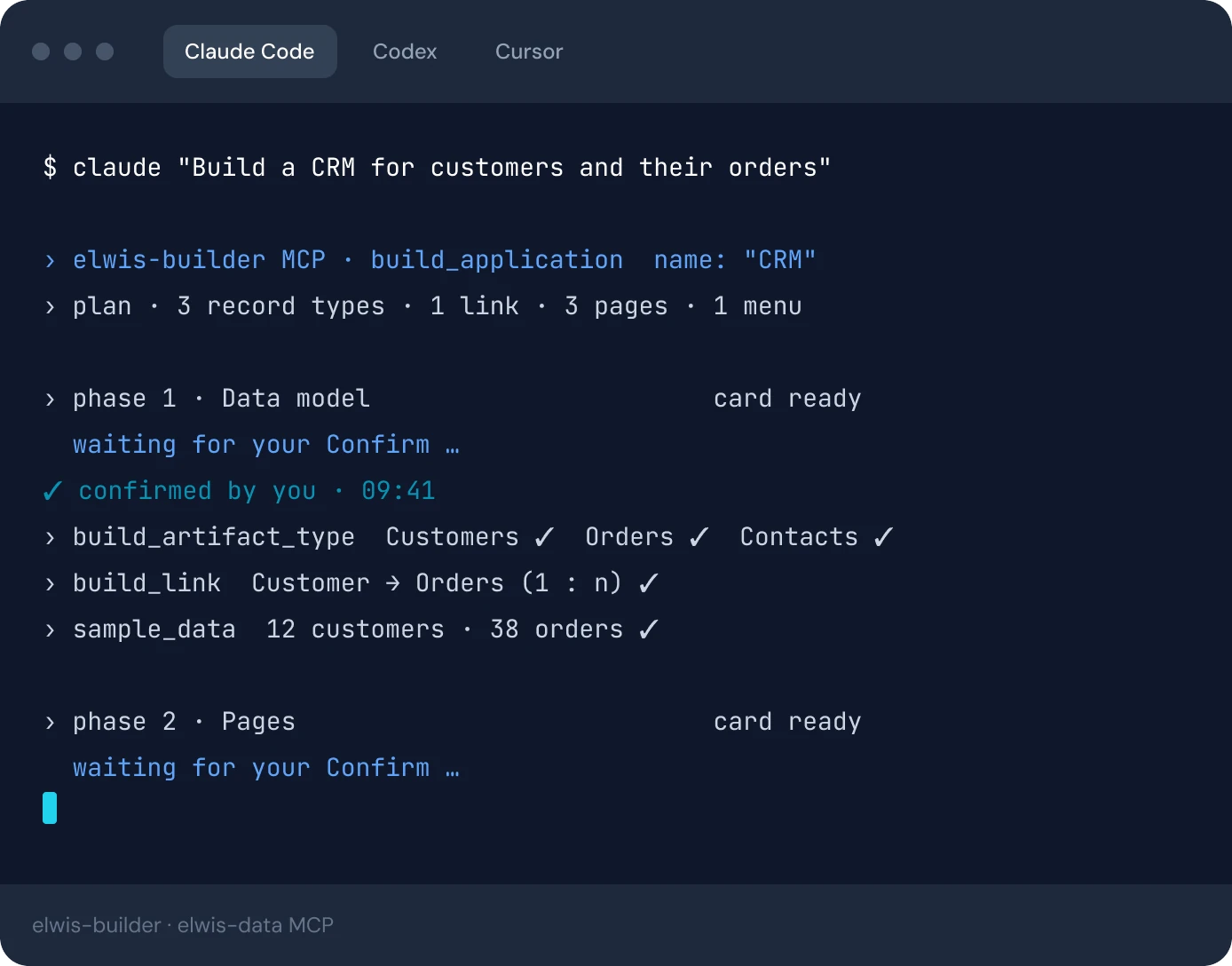
$ claude "Build a CRM for customers and their orders"

› elwis-builder MCP · build_application  name: "CRM"
› plan · 3 record types · 1 link · 3 pages · 1 menu

› phase 1 · Data model     card ready
  waiting for your Confirm …
✓ confirmed by you · 09:41
› build_artifact_type  Customers ✓  Orders ✓  Contacts ✓
› build_link  Customer → Orders (1 : n) ✓
› sample_data  12 customers · 38 orders ✓

› phase 2 · Pages          card ready
  waiting for your Confirm …
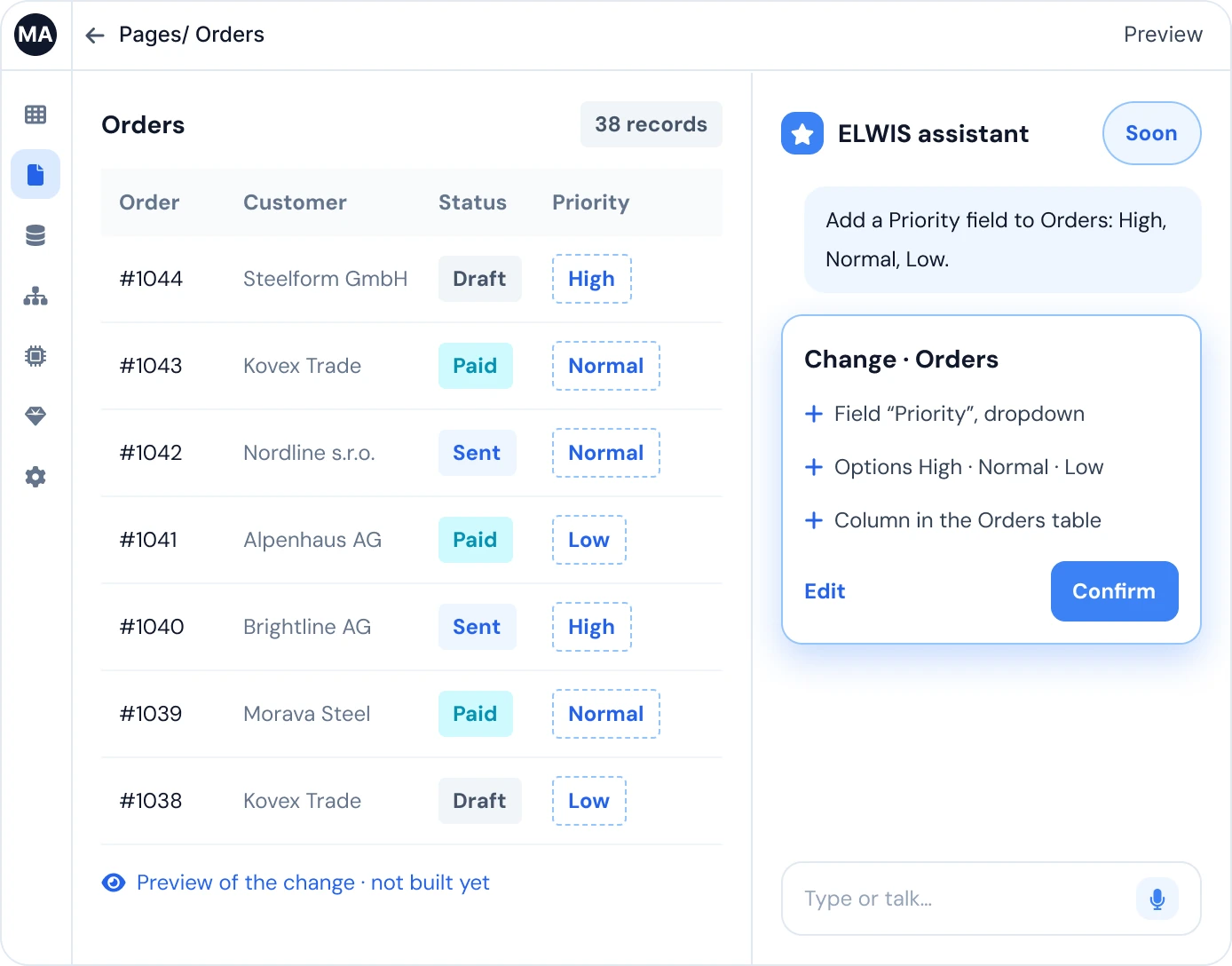
ELWIS assistant
SoonAdd a Priority field to Orders: High, Normal, Low.
Change · Orders
Field “Priority”, dropdown
Options High · Normal · Low
Column in the Orders table
Preview of the change · not built yet
You stay in control.
Nothing happens until you click Confirm. Every phase, every repair, every record: a card first.
Your permissions apply
The assistant sees and changes only what you may. Same roles, same rights as the person asking.
Same roles as your users.
Your own AI account
Connect a Claude or OpenAI key once. Your usage, your billing, your data agreement.
Your key, your bill.
Bring the AI you already use.
Three parts. You own two of them, and the bridge is an open standard.
Any model
Start in minutes with the assistant your team already uses.
Run a model on your own servers. Your data never leaves your network.
Two ELWIS MCPs
Builder MCP builds the app: types, fields, links, pages, menus.
Data MCP works with your records: read, add, edit.
An open standard. No proprietary plugin, no vendor SDK.
ELWIS
Your data: one source for every model
Your permissions: AI sees only what you may
Your Confirm: no change without your click
The same ELWIS you already run.
Where it
stands today
Terminal and n8n are live. The chat inside ELWIS is next.
- Available todayTerminal (Claude Code, Codex)n8n automationsVoice in, voice out
- In progressChat inside ELWIS
Soon: just ask in the chat.Type or talk, review on a card, Confirm.
- Coming soonInternal agents
Ready to try AI in your process? Prepare for your demo.
Bring one real process. Leave with a plan for a working app, built with your AI, your permissions and your Confirm.