Registrations closing, suppliers calling, budgets moving — event teams juggle it all, usually across spreadsheets and inboxes. With the Booking Management Application built on ELWIS, the whole event lifecycle lives on a single platform: from the first plan to post-event insights.
The problem
Successful event management depends on accurate information and effective collaboration. Organizers juggle schedules, venues, registrations, ticketing, attendee communication, internal teams, suppliers and budgets at once. Managed through disconnected systems, teams lack a complete overview — updates are missed, tasks become hard to track, and valuable data stays unused after the event ends.
01
Where does this event stand right now?
02
What did the last event teach us?
03
Which tasks are overdue and whose are they?
04
How many attendees have actually registered?
The focus was not only on organizing events — but a smoother experience for both organizers and attendees.

Efficient planning
Plan and schedule events efficiently.

Registration management
Manage registrations and attendee information.

Team collaboration
Improve collaboration between teams.

Venues, tasks & budgets
Track venues, tasks and budgets in one place.

Feedback & success
Collect feedback and measure event success.

Anytime access
Important information anytime — including mobile.
Key features
The capabilities that replaced spreadsheets, separate registration tools and manual coordination.
REGISTRATIONS
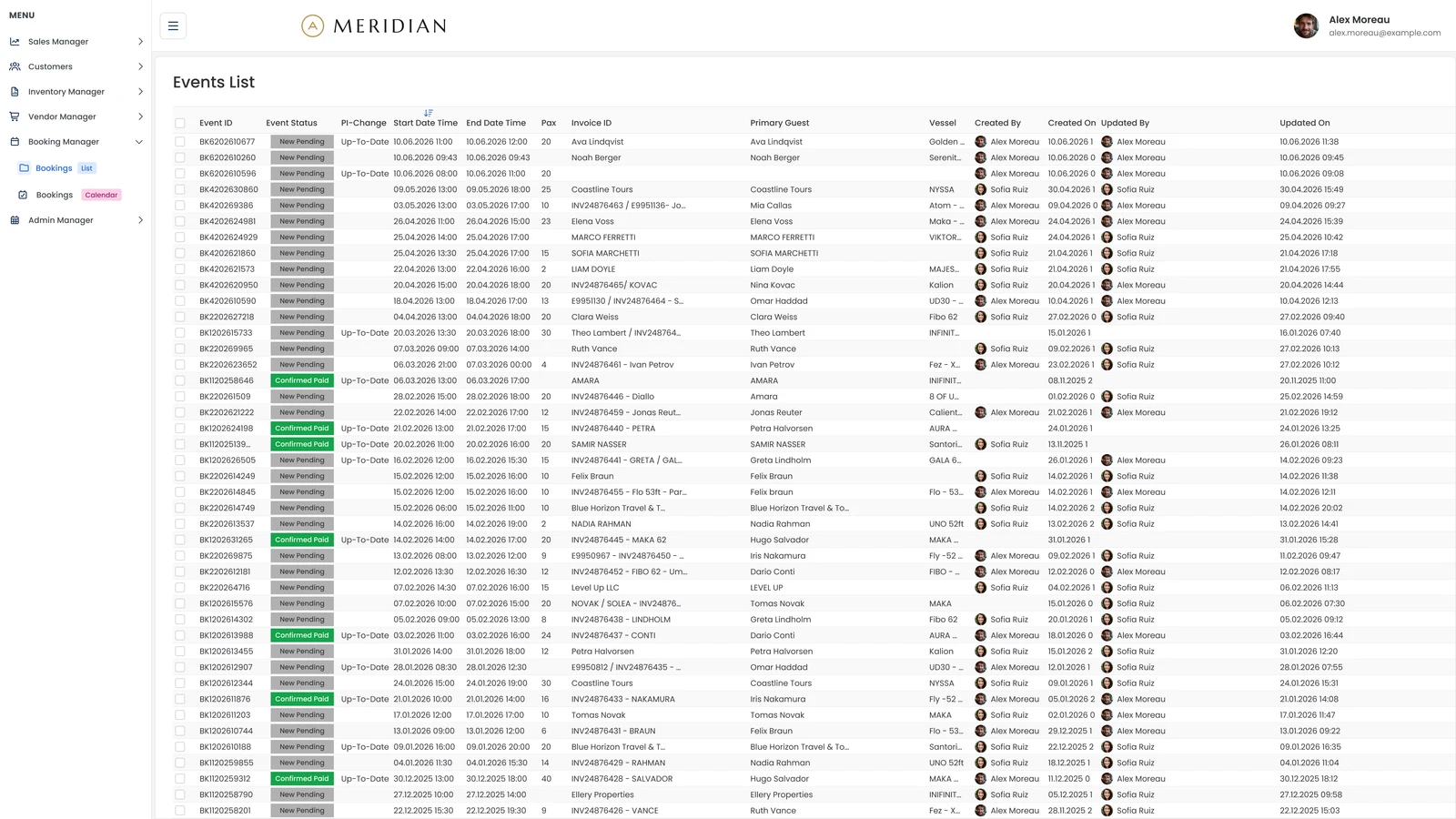
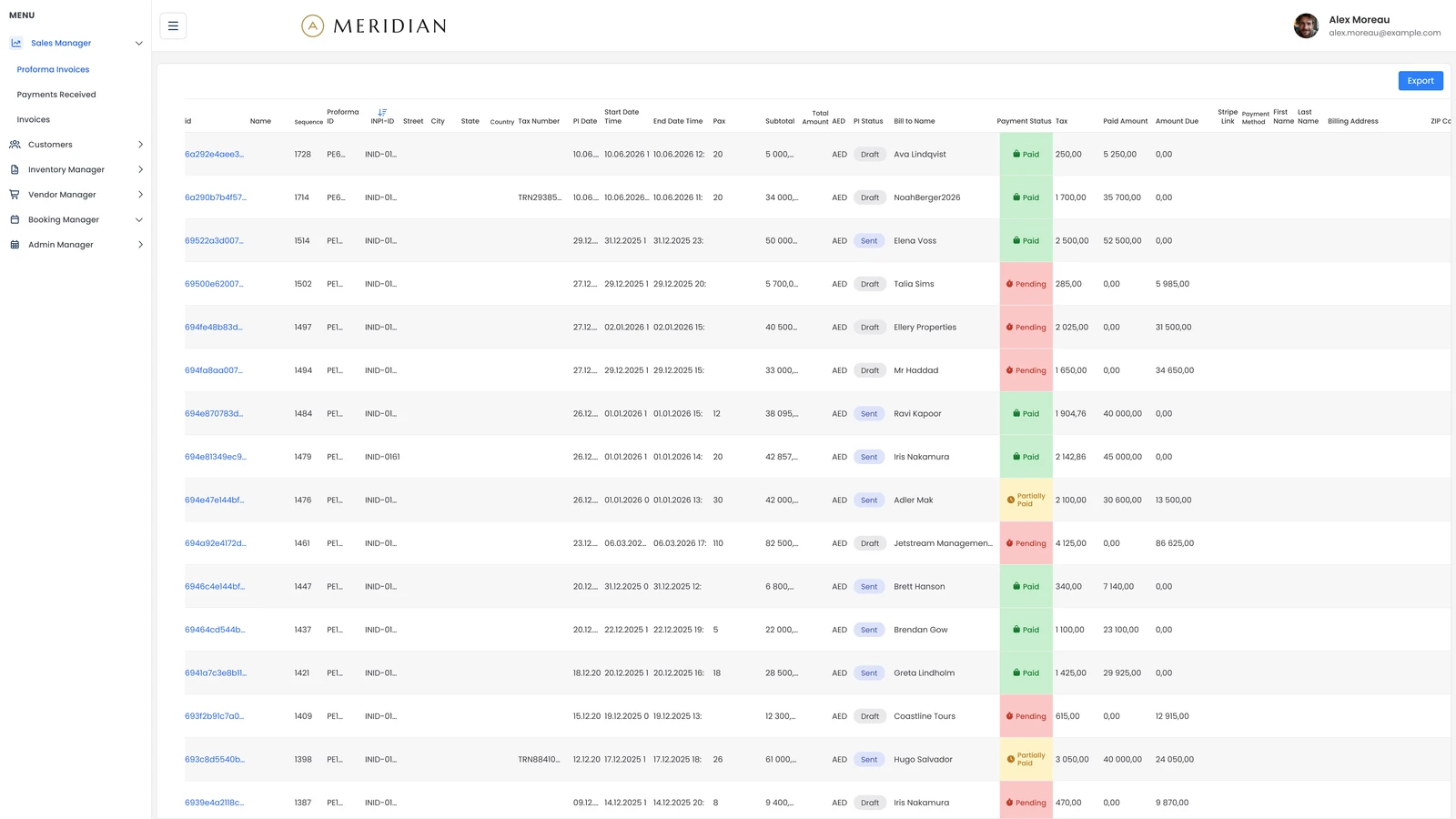
Attendee registration and participant management, simplified: registrations and ticket information, attendee details and participation monitoring in one place. A smoother experience for guests — with far less manual administrative work.
COLLABORATION
Successful events are teamwork across many people and departments. Assign tasks, track progress, manage responsibilities and keep communication connected to event activities — everyone works from the same information, with better coordination and accountability.
ANALYTICS
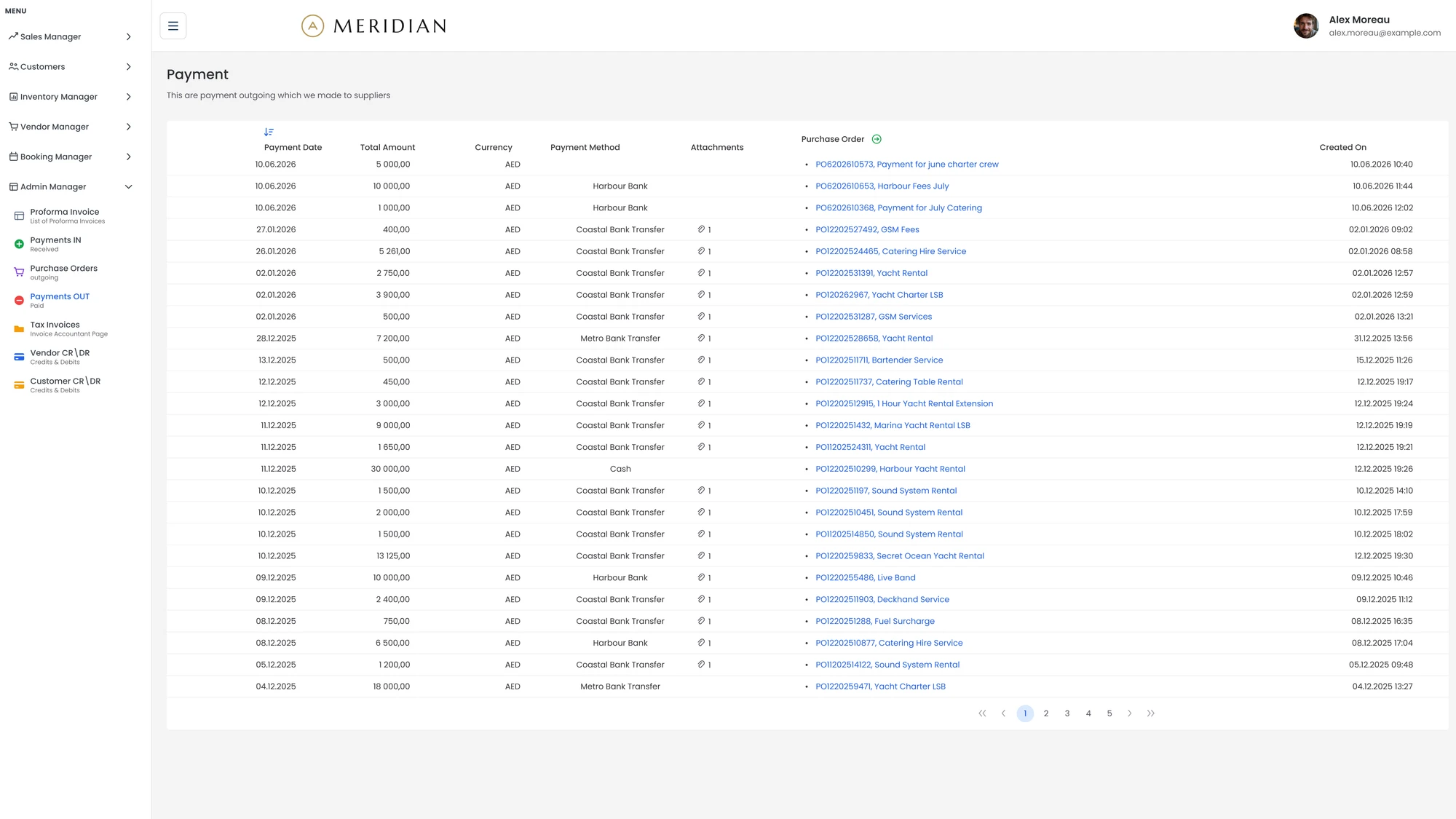
Full visibility into event performance and financial management: track event costs and budgets, attendance data, feedback results and performance insights. Better decisions today — and continuously better events tomorrow.
PLANNING
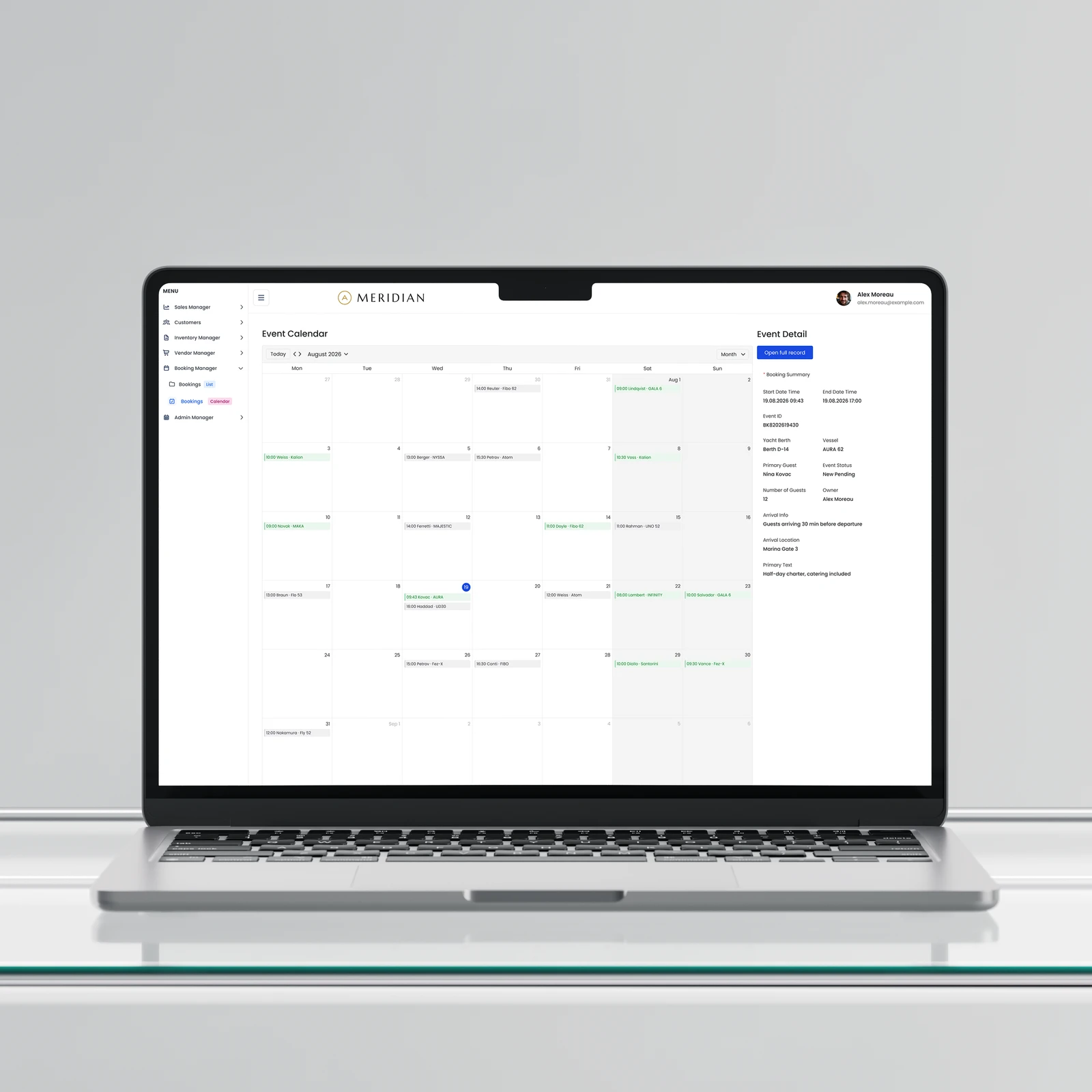
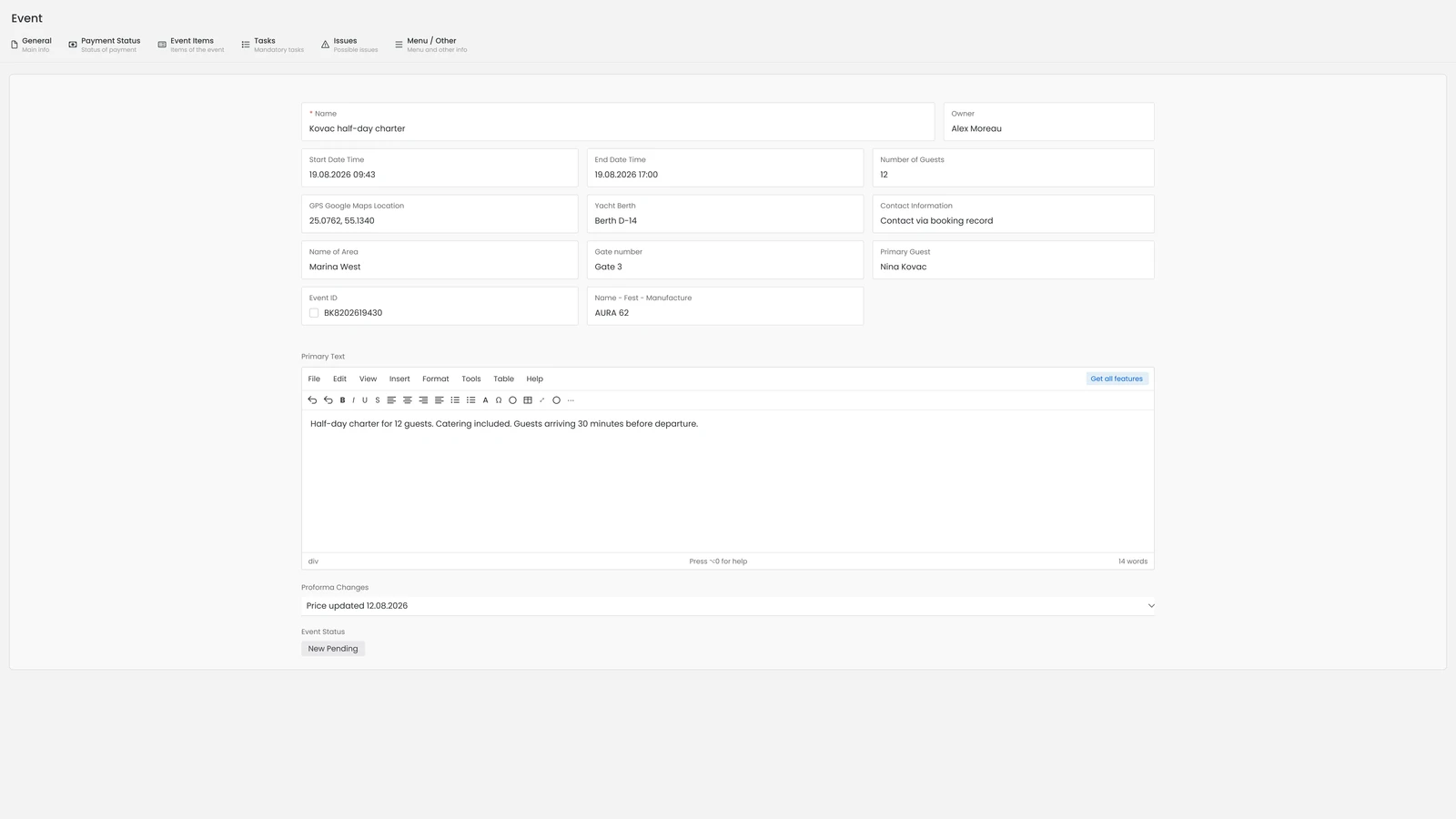
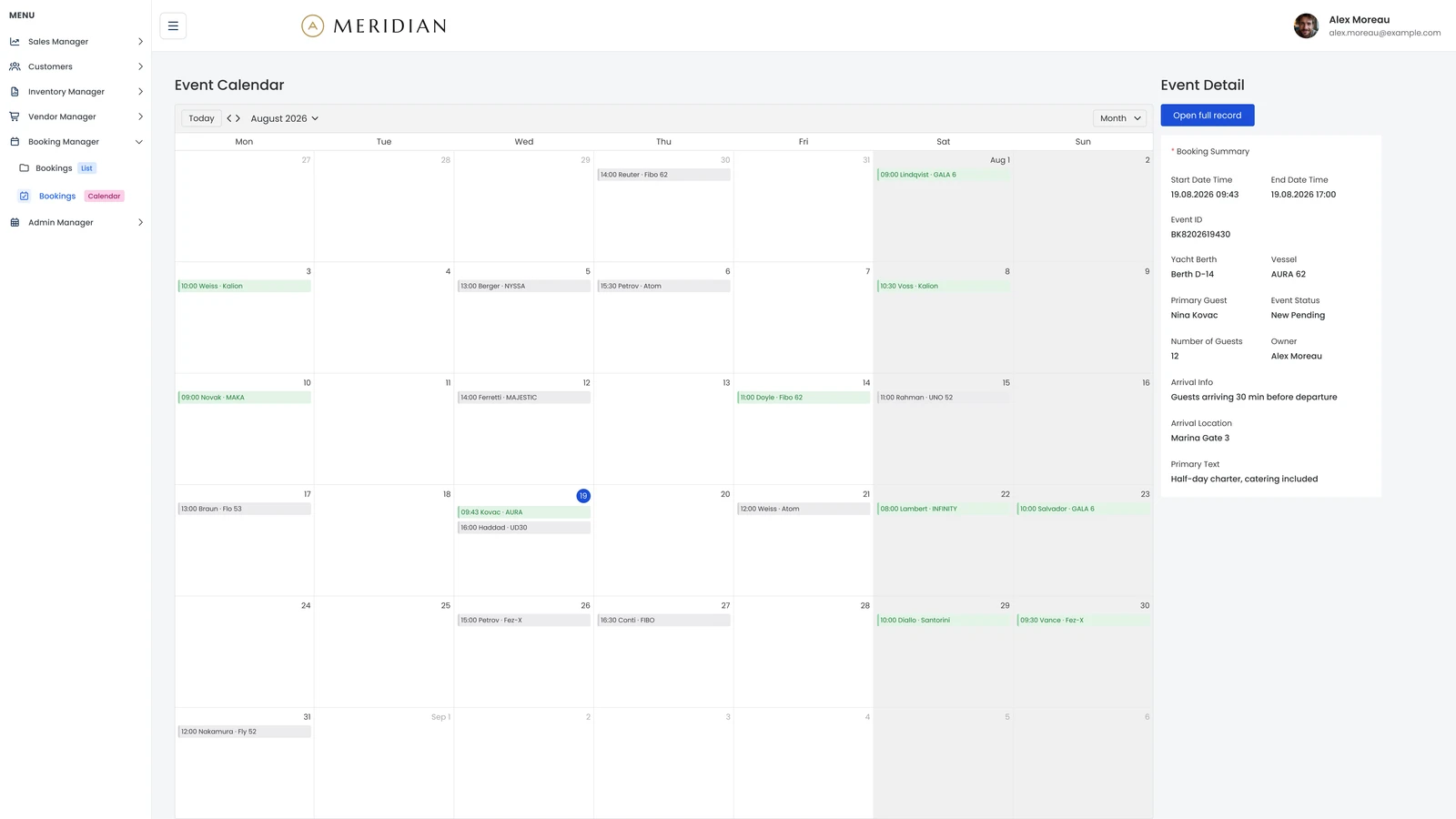
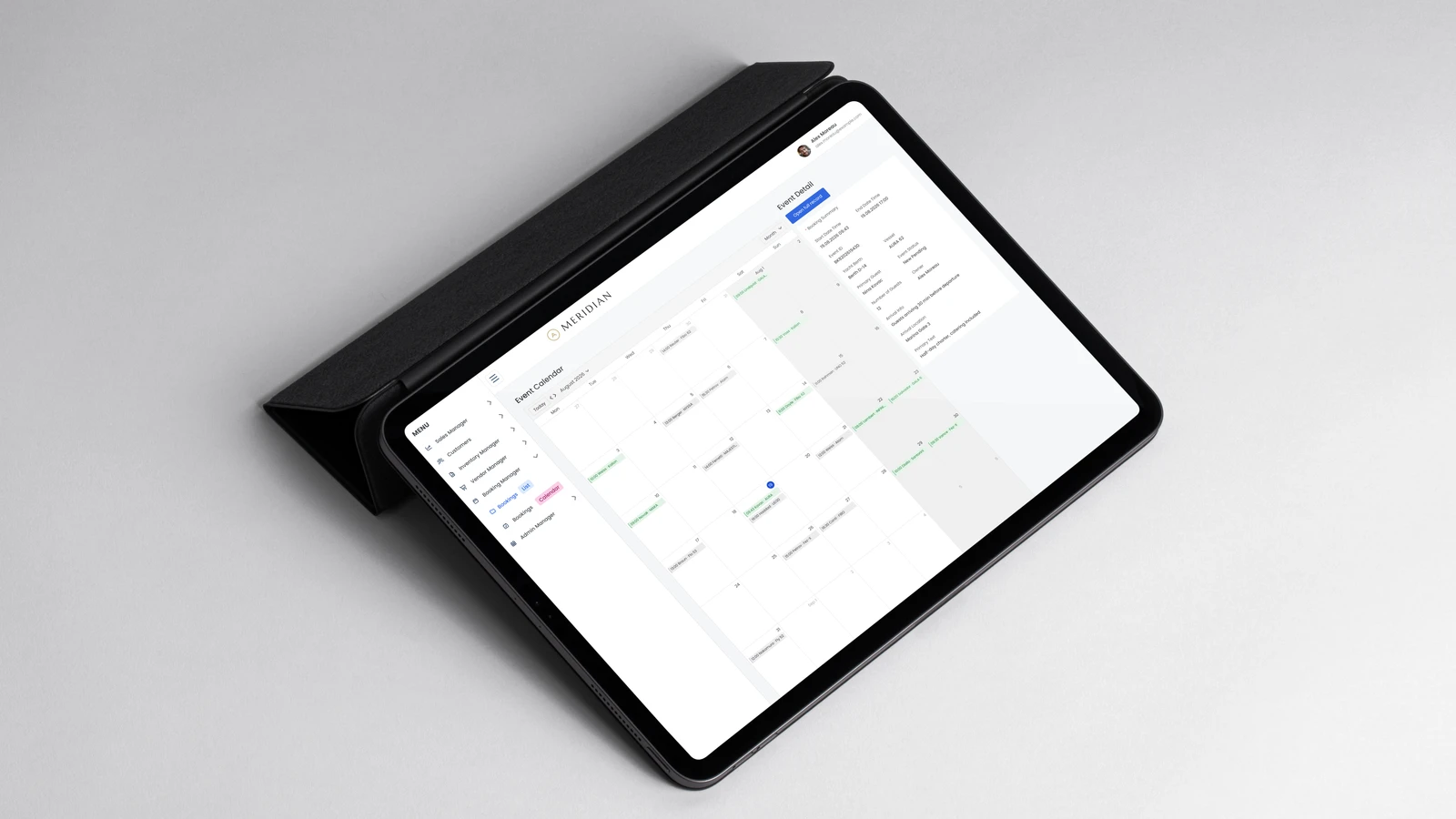
Organizers create and manage events from the initial planning stage — event details, schedules, locations and venues, assigned tasks and important deadlines. Teams get a clear overview of everything upcoming, so nothing is overlooked.
VENUES
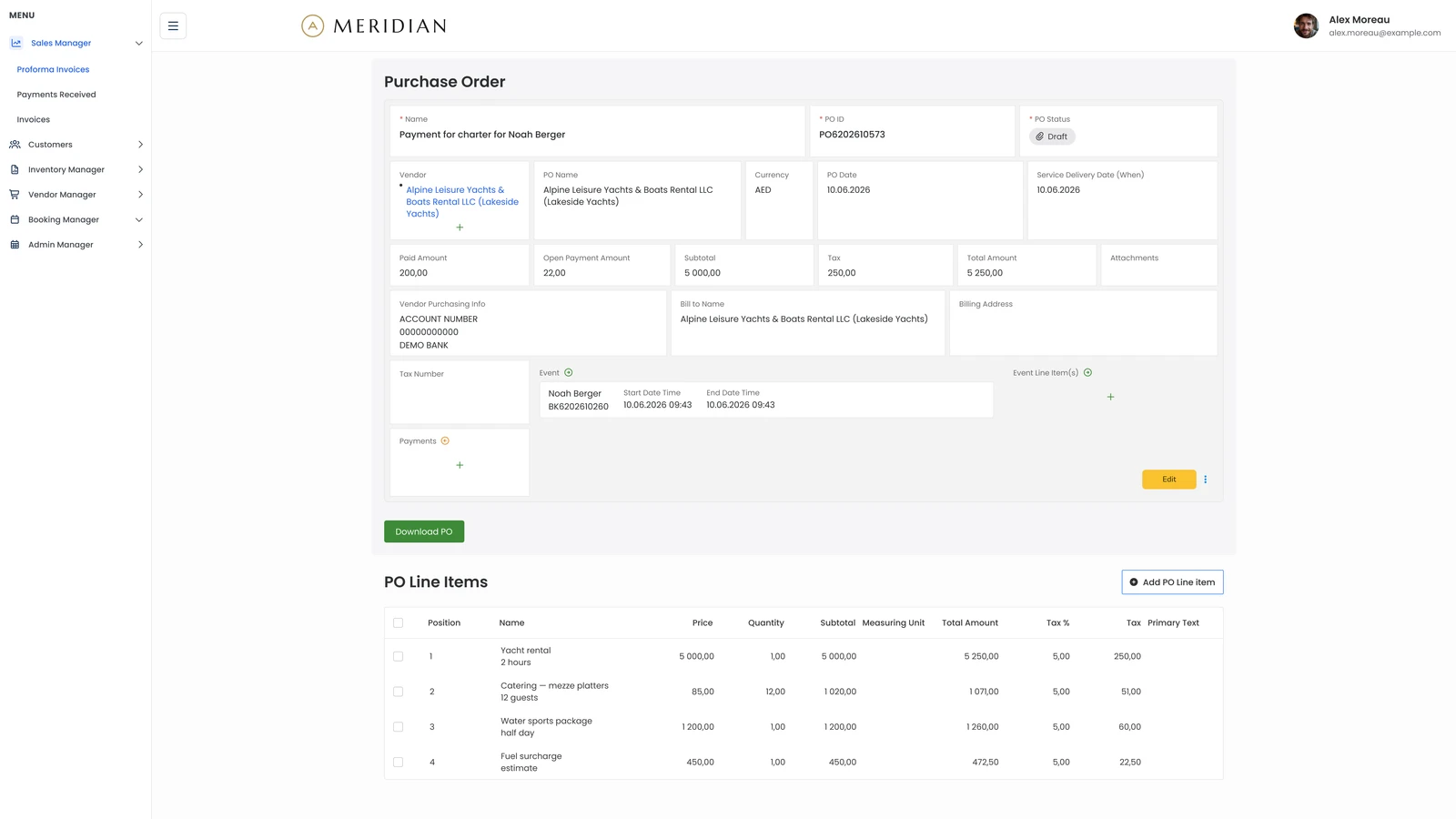
Venues, suppliers and deadlines are records of their own, linked to the events they belong to. Organizers see which space is booked, who is delivering what and what falls due next — without chasing a separate calendar or an inbox thread.
FEEDBACK
Post-event feedback is captured against the event it belongs to, not scattered across forms and inboxes. Responses feed straight into reporting, so the lessons from one event are already on the table when the next one is being planned.
MOBILE
The platform supports full mobile access — manage event information, check updates and stay connected while on the move, wherever event day takes you.
The solution
Every build starts the same way: map how the team actually works, then model it in ELWIS — custom development blended with a powerful no-code layer.
Page Builder
Compose screens and workflows visually — with role-based views for organizers and attendees.
Configurable Type System
Artifact types, link types and attributes model events, attendees, registrations, venues, tasks and budgets.
Client-owned governance
The client creates and edits artifacts, artifact types and attributes directly — without relying on developers.
Before / After
The full event lifecycle in one platform — instead of a patchwork of tools.
Area
Before
After ELWIS
Event Planning
Events planned using spreadsheets, emails, and separate calendars.
All event planning managed from one centralized platform.
Attendee Management
Registrations and communications handled manually across multiple tools.
Registrations, attendees, and communications managed in one application.
Team Collaboration
Limited visibility into tasks, responsibilities, and event progress.
Real-time task management and shared dashboards improve collaboration.
Reporting & Analytics
Reports and budgets created manually after each event.
Real-time reporting, budget tracking, and event performance analytics.
How it works
The journey follows the event lifecycle as teams actually run it — from initial planning through execution to post-event analysis.
1
Plan & Schedule Events
Create events, manage venues, set schedules, assign responsibilities, and keep important deadlines in one place.
2
Manage Attendees & Registrations
Handle registrations, attendee information, ticketing, and participation throughout the event lifecycle.
3
Coordinate Teams & Activities
Assign tasks, track progress, and keep organizers, suppliers, and internal teams aligned through a shared workflow.
4
Monitor & Improve Performance
Track budgets, attendance, feedback, and event results through dashboards and reporting to support better decisions for future events.
The Booking Management Application was delivered in phases and rolled out gradually across event teams, enabling a smooth transition from manual processes to a centralized platform with rapid user adoption and minimal disruption.
500+
Events Managed
1,200 hrs
Planning Hours Saved per year
85% faster
Registration Processing Time
70%
Administrative Work Reduced
Security & access control
Secure Event Information
Keep attendee, registration, venue, budget, and event data protected and accessible only to authorised users.
Access Based on Responsibility
Give event organizers, team members, suppliers, and administrators access to the information and functions relevant to their role.
Controlled Data Visibility
Manage which users can view, create, edit, or manage specific event information across different teams and activities.
Transparent Activity Tracking
Track important changes and actions within the application to improve accountability and maintain visibility across the event management process.
“
We replaced multiple spreadsheets and manual booking processes with one centralized platform. Our team now has complete visibility into bookings, attendees, and event operations, allowing us to focus on delivering a better customer experience rather than managing administration.
Operations Manager, Leisure & Hospitality Company
Conclusion
Built on ELWIS's flexible Type System, the platform adapts to different event types, sizes and organizational requirements — without rebuilding.
PLANNED NEXT
Attendee personalization
Automated campaigns
Payment integrations
AI recommendations
01
More efficient planning
Less time on manual processes, more on the event itself.
02
Better collaboration
Everyone works from the same information.
03
Improved attendee experience
Simpler registration, faster communication.
04
Data-driven decisions
Analytics that improve future events.
05
Flexible and Scalable Operations
The platform can adapt to different event types, sizes, and organizational requirements.
Book a 45-minute session tailored to your industry, team size, and deployment requirements. No generic pitches—just real answers from a solutions engineer.